Disabling .env files for Github Copilot
I was curious if there was a way to configure Github copilot to NOT have access to certain files in a project and found that - it’s not necessarily straightforward. It turns out that there are no dotfiles you can set up or a setting to explicitly tell copilot not to have access to certain files in your project, which seems problematic from a security perspective. However, there is a way to “disable” Github copilot by setting the language mode to “plaintext” in VSCode.
Configuring Language Mode
There are three ways to configure the language mode.
File in focus (shortcuts)
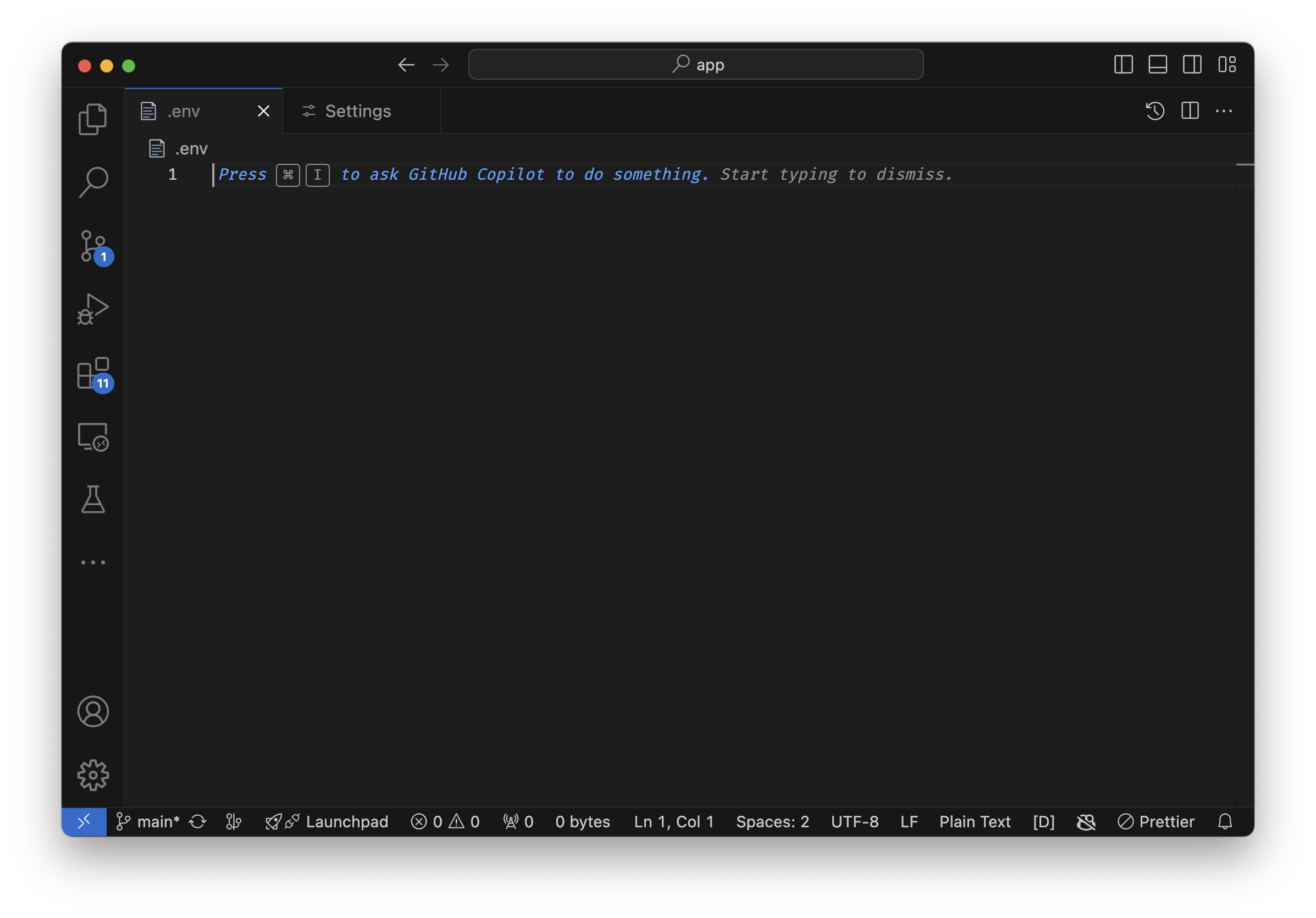
With the env var file open and in focus, do the following
-
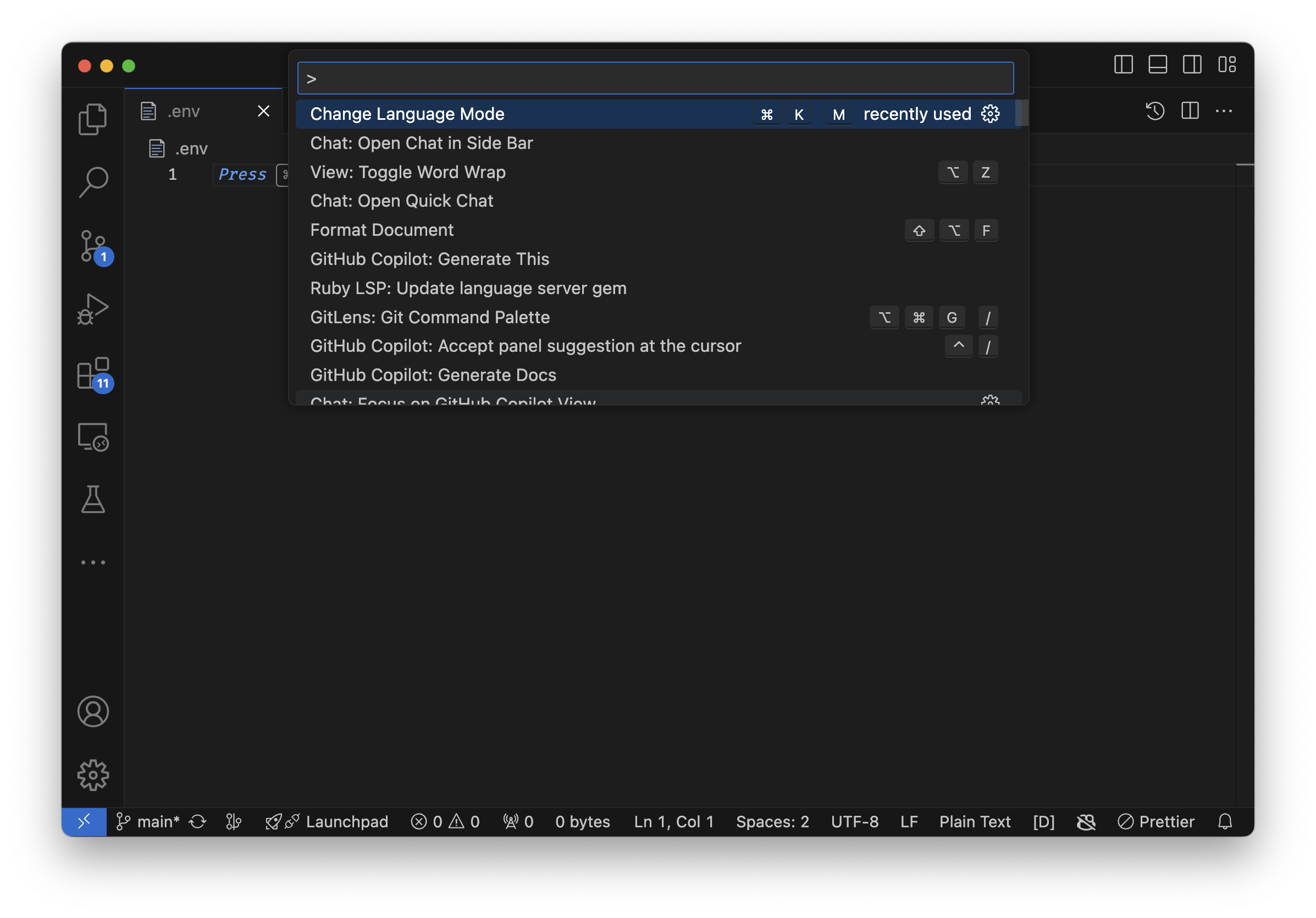
Open the Command Palette by pressing
Cmd+Shift+P. -
Type
Change Language Modeand select it. -
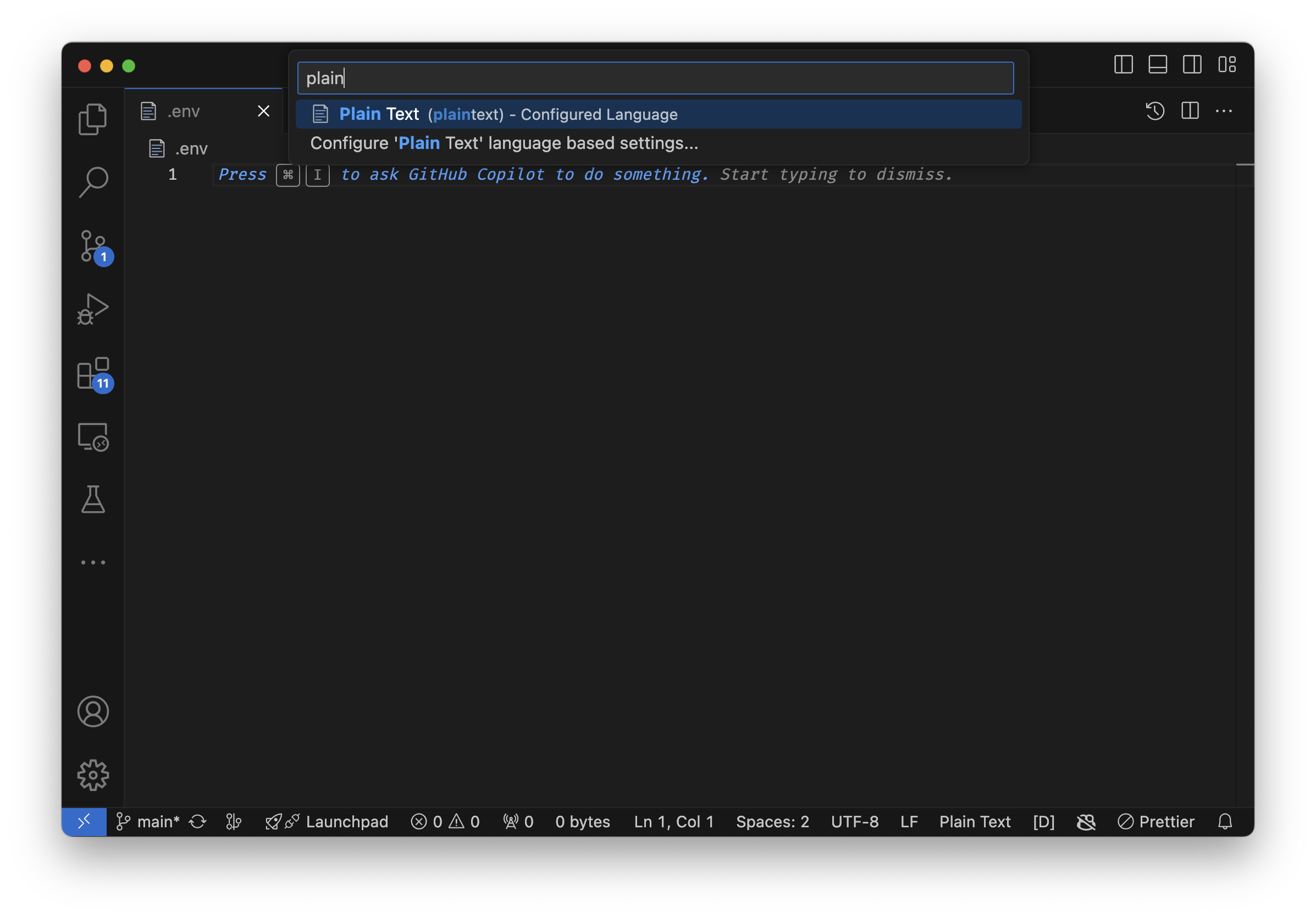
In the language mode dropdown, type
plaintextand select it.
File in focus (gui)
With the env var file open and in focus, do the following
-
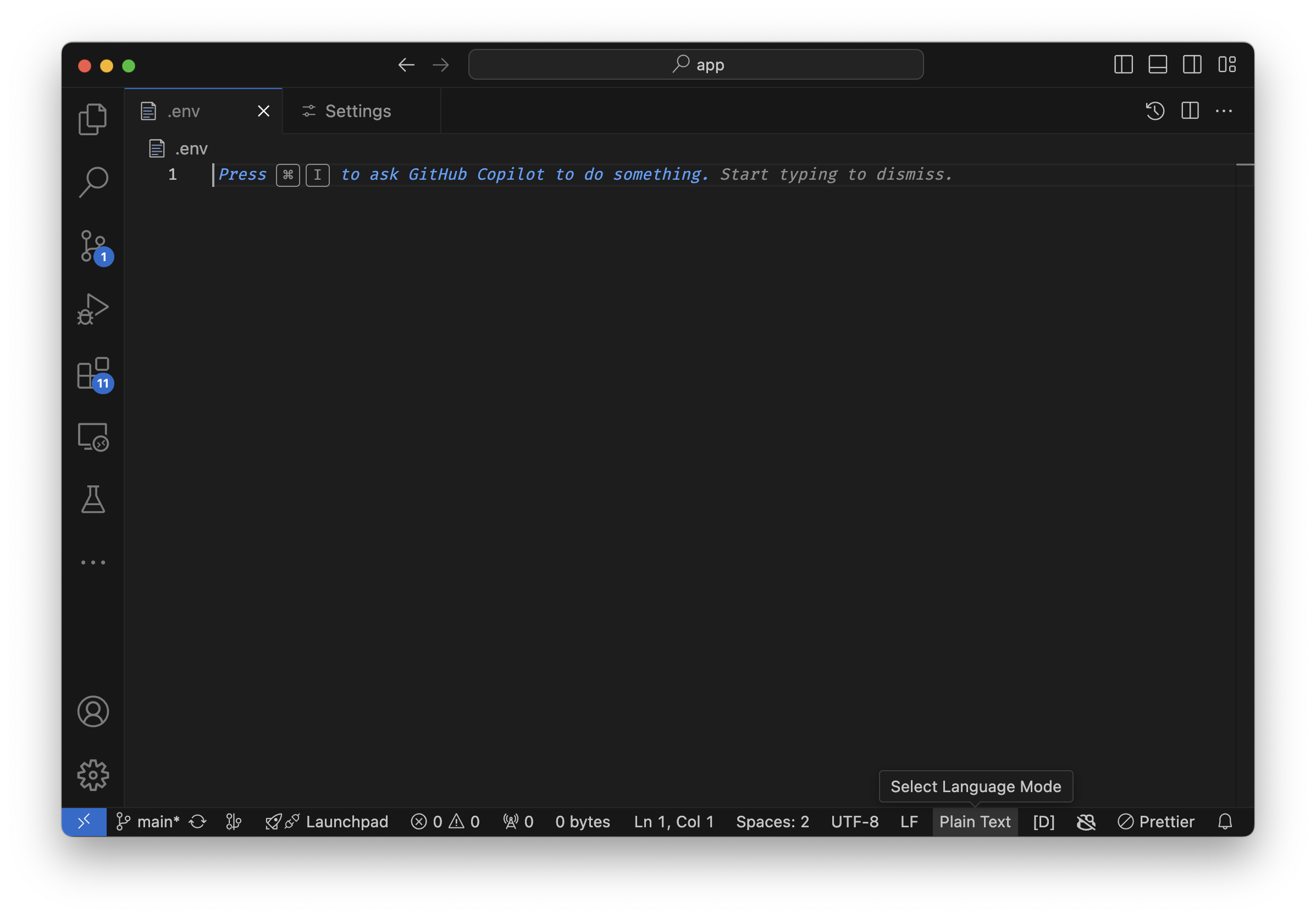
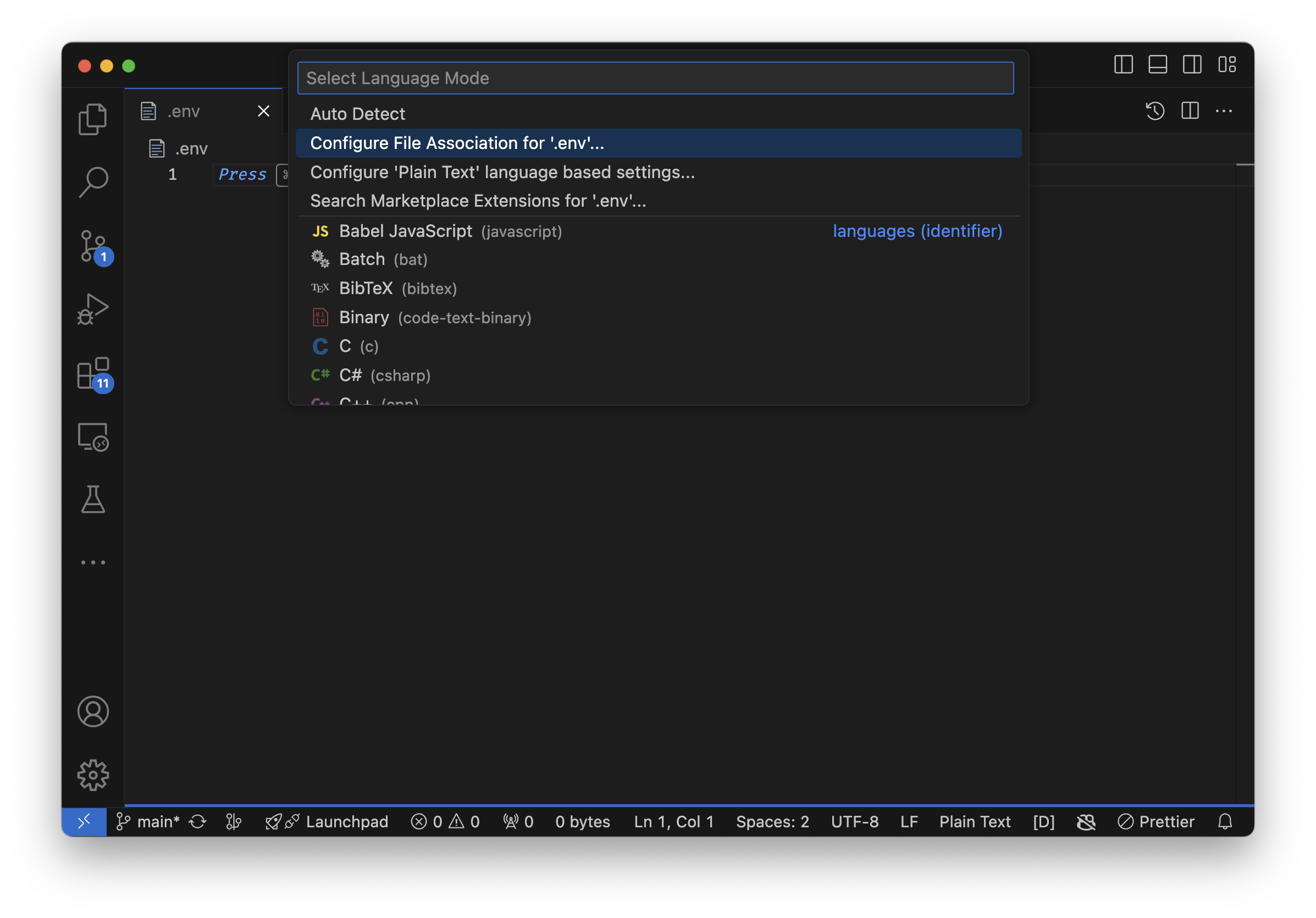
At the bottom right of the status bar, click on the language mode selector.
-
Select
Configure File Association for ‘.env’ -
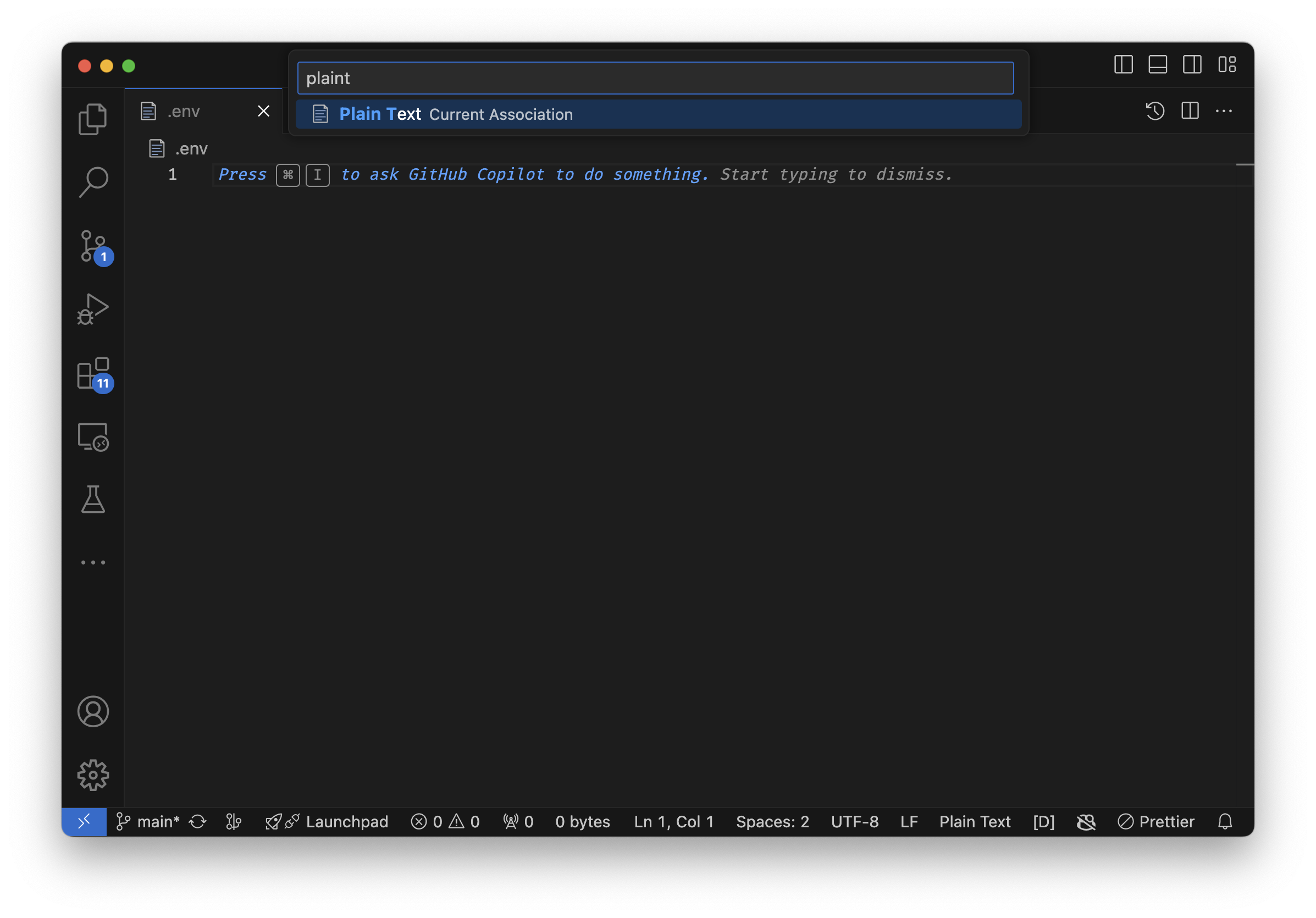
Type
plaintextand select it.
User Settings (JSON)
-
Open the Command Palette by pressing
Cmd+Shift+P. -
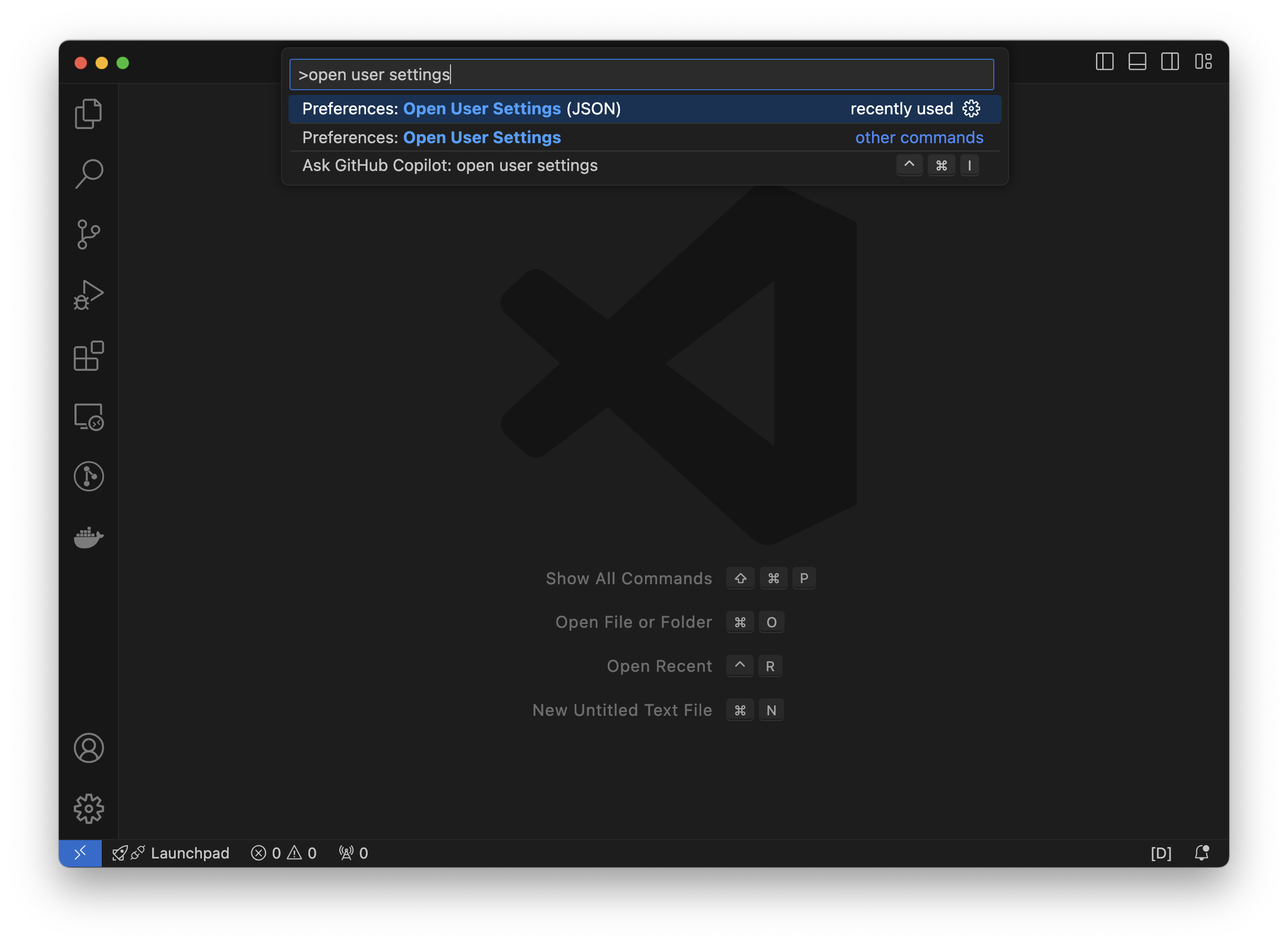
Type
open user settingsand select it. -
With the settings.json file open, add the following:
"files.associations": {
    ".env": "plaintext"
}
User Settings (UI)
-
Open the Command Palette by pressing
Cmd+Shift+,. -
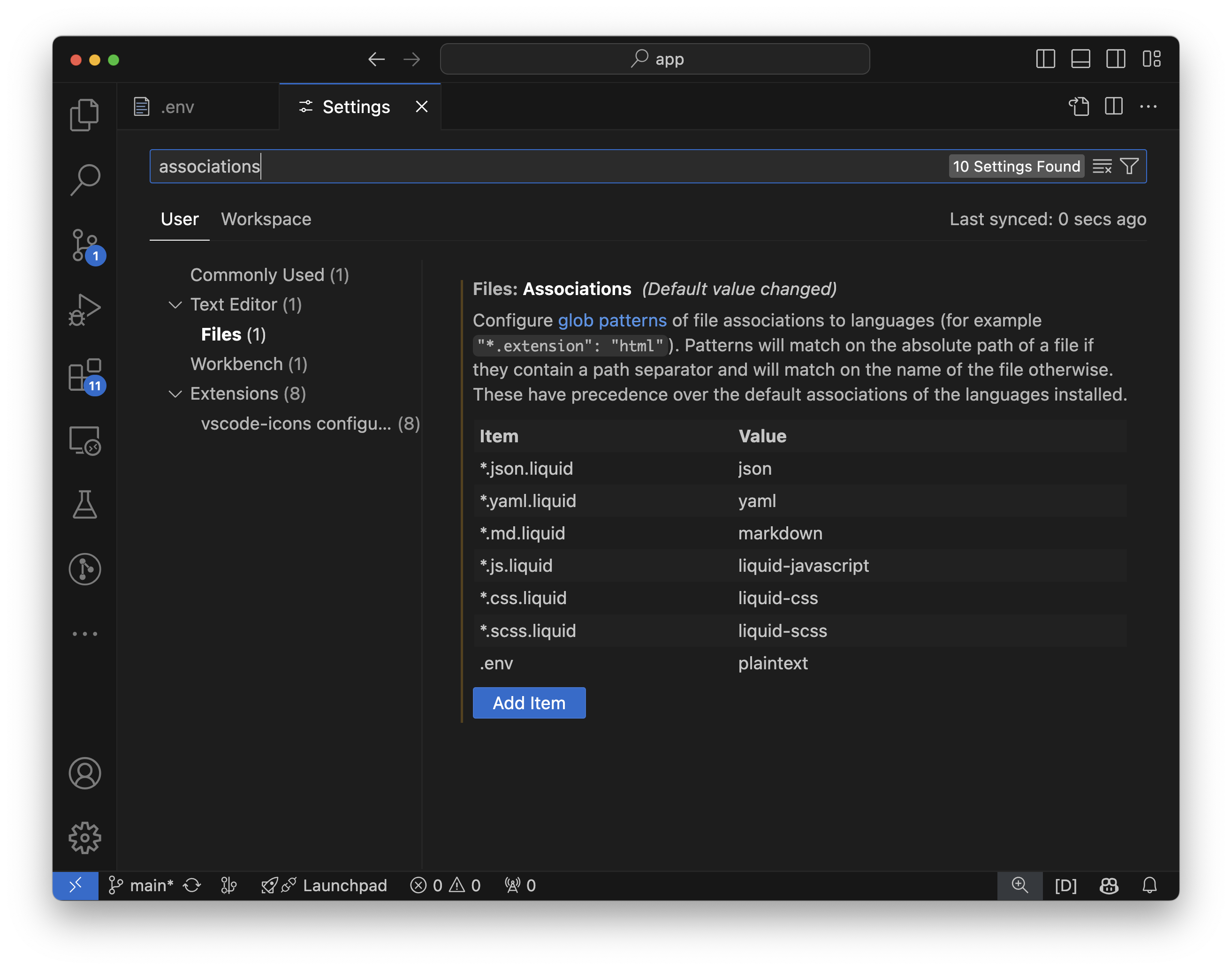
Search
associations -
Add
.envas an item and set it toplaintext
Bonus: Wildcard env var files
Setting .env as the file association to your settings will explicitely tell Github Copilot to disable itself for the .env file, however it will NOT disable itself for other file like .env.local or .env.development. So it’s a best practice to add a wildcard AFTER the v like so:
"files.associations": {
    ".env*": "plaintext"
}
Conclusion
There is no way to explicitly tell Github Copilot to ignore certain files. That is, unless, you have a Github Copilot Business account - which then affords you this ability. With the above technique, there are some considerations per Github’s documentation:
In Copilot Chat in Visual Studio Code and Visual Studio, content exclusions are not applied when you use the
@githubchat participant in your question.It’s possible that Copilot may use semantic information from an excluded file if the information is provided by the IDE in a non-excluded file. Examples of such content include type information and hover-over definitions for symbols used in code.
Excluding content from Github Copilot - Limitations of content exclusions
References
https://github.com/orgs/community/discussions/11254#discussioncomment-8638961